Image cards
One or multiple linked image cards. Choose between 16:9 and square format.
Item-IDs: 04-001 | 04-002 | 04-003 | 04-004 | 04-005 | 04-006 | 04-007 | 04-008
Sample views Step by step guide Screen adaptation
Sample views
Step by step guide
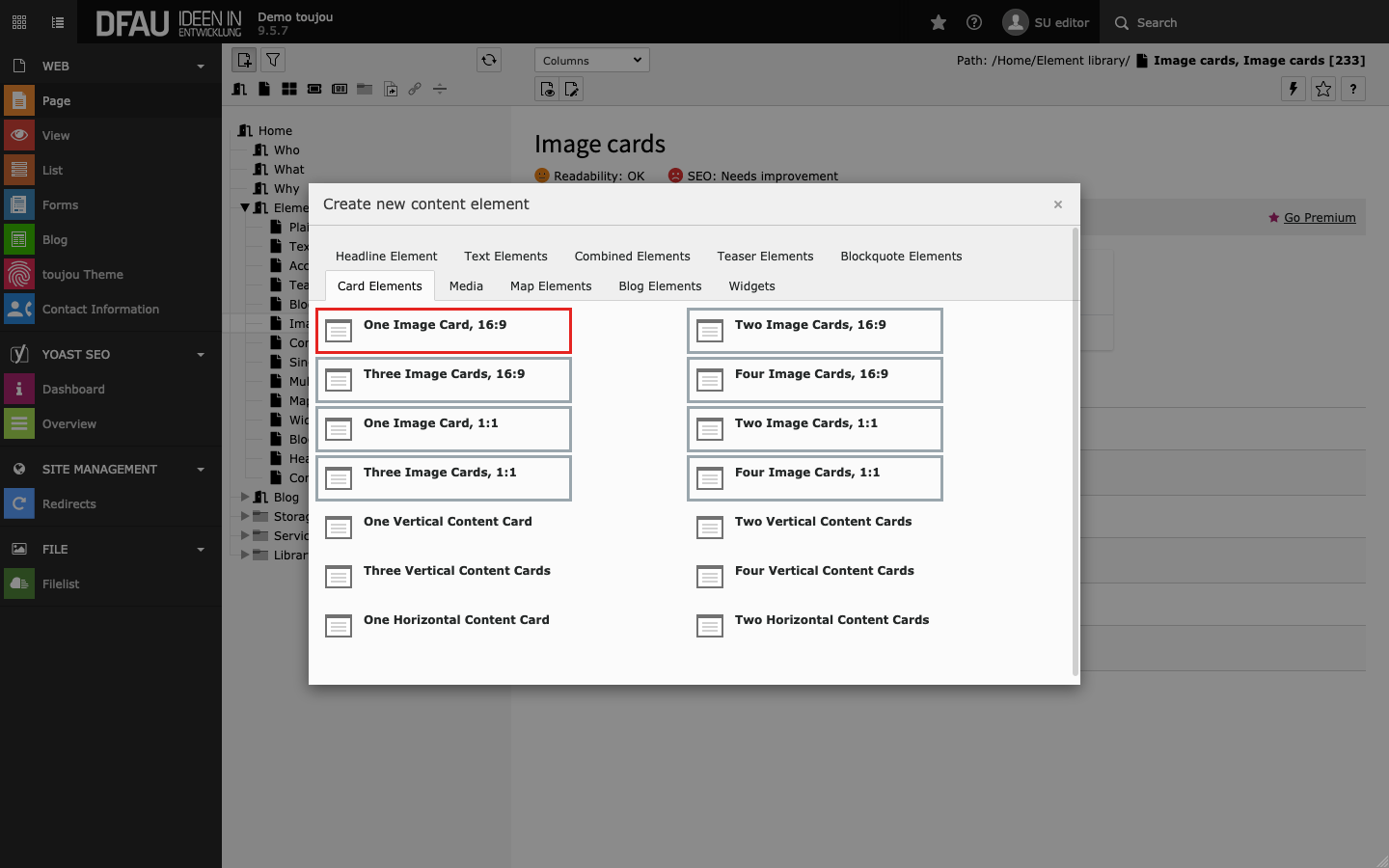
Create image card
- Click on the + Content button to create any card element.
- In the Card Elements tab, select the element of your choice.
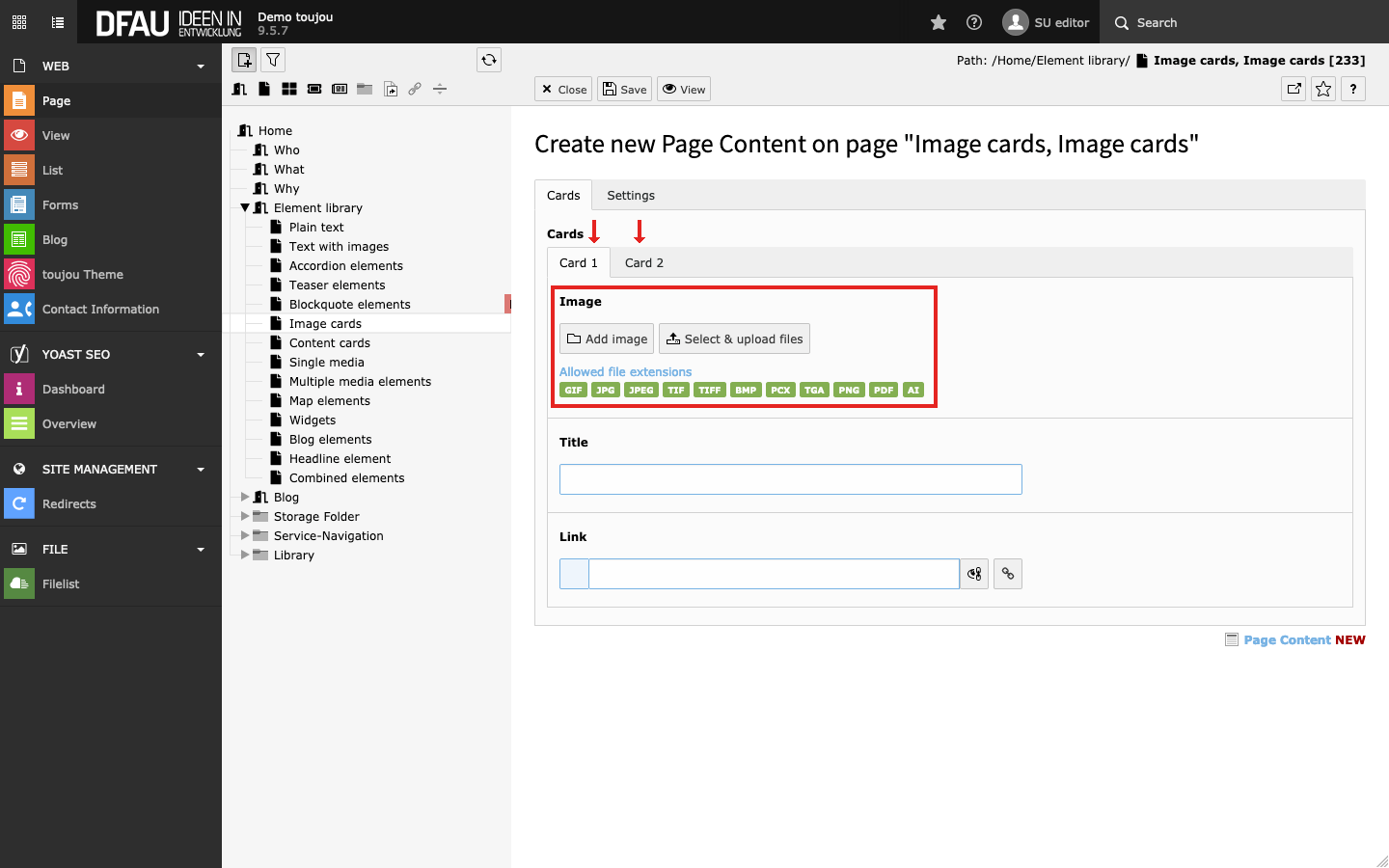
Insert images
- Click on the Add image button.
- Select an image file from your file list or upload a file to the appropriate folder.
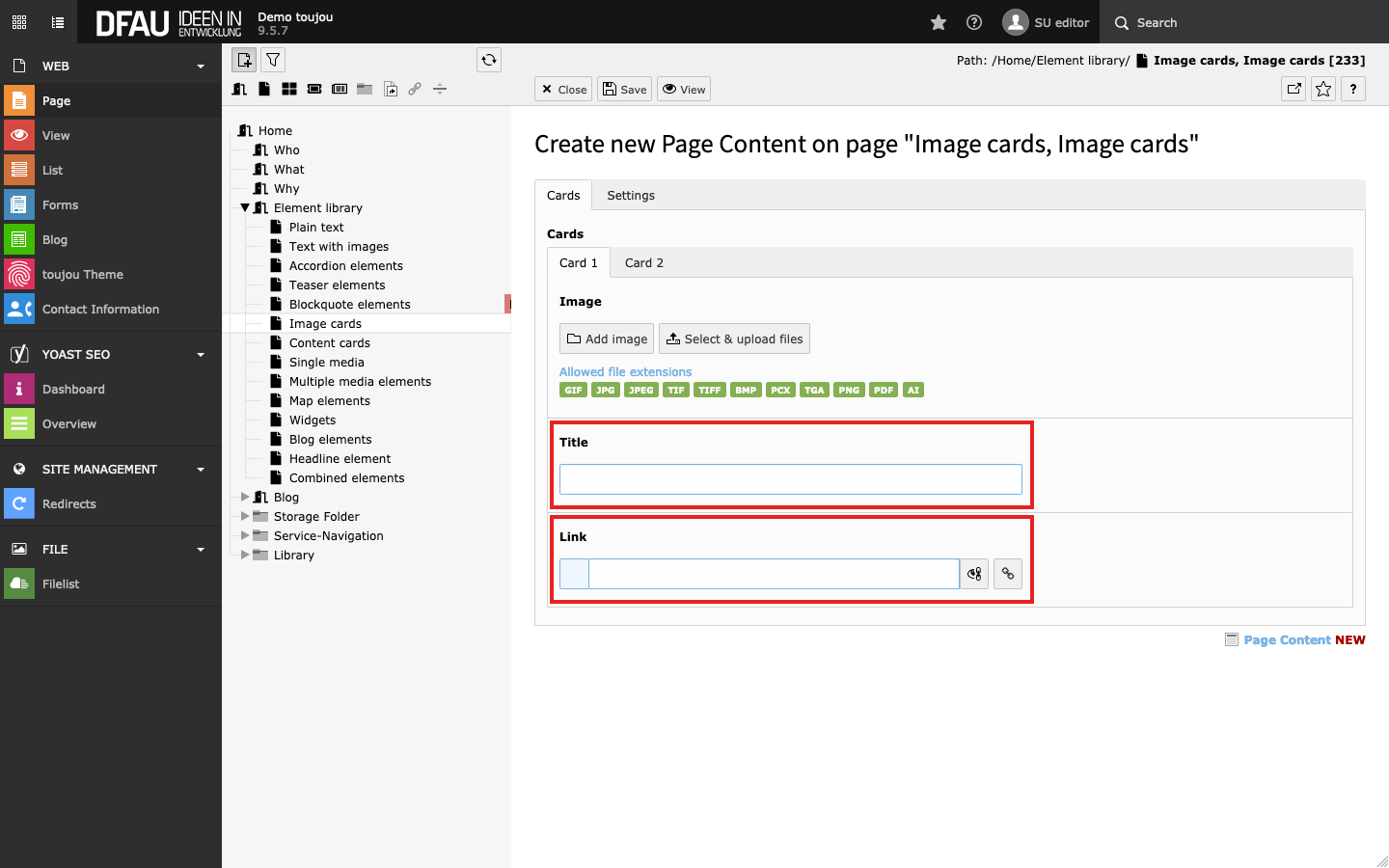
Insert link & title
- Enter a Title into the title mask.
- Click on the Link button to insert a link.
- Select from any of the available tabs to link within subpages, elements or to an external URL.
Screen adaptation
Image cards are single or multiple buttons with different options for hover effects (depending on your theme). They consist of an image with an automatic aspect ratio of 16:9 or 1:1 and a caption. Each link turns the entire element into a button.
Responsive behaviour: If there is not enough space to display any three or four cards next to each other they will be displayed two per row. On small devices, all left-to-right cards are displayed above each other from top to bottom.
Linked topics
toujou set-ups & TYPO3 tutorials related to this element description.