Keyboard shortcuts

You can use the following keyboard shortcuts to navigate more quickly:

The toujou element library

Header elements

With toujou you will find preconfigured elements that give you the freedom to illustrate content according to your needs. The appearance is controlled centrally and offers responsive behaviour. Buttons, links, alignment, and text styles are all controlled by the editor. The Header elements are only available in the header area of a page. 


Header elements: Headercontent Element | Header Media 3:1 | Headercontent Slider | Headercontent Slider 3:1

Guide

On this page you will find all navigation elements in toujou. We've used dummies in the library to prevent confusion.

For detailed instructions, click on the buttons located below every sample element to get to the element description. 

I am the button


All Header elements at a glance

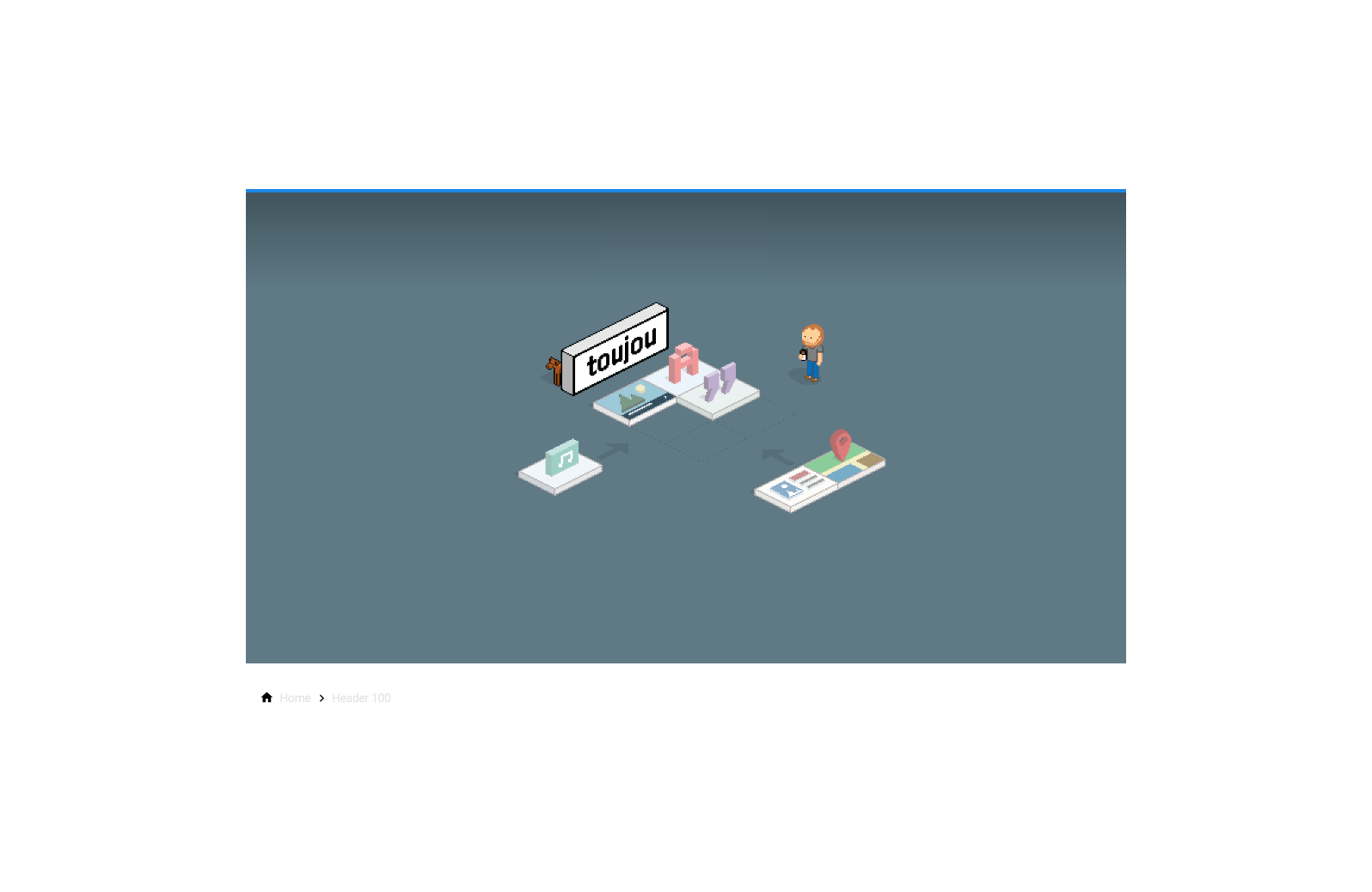
Headercontent Element
Ansicht für Endgeräte mit mehr als 1440 px Breite

Widescreen

Ansicht für Endgeräte mit mehr als 1024 px Breite

Desktop

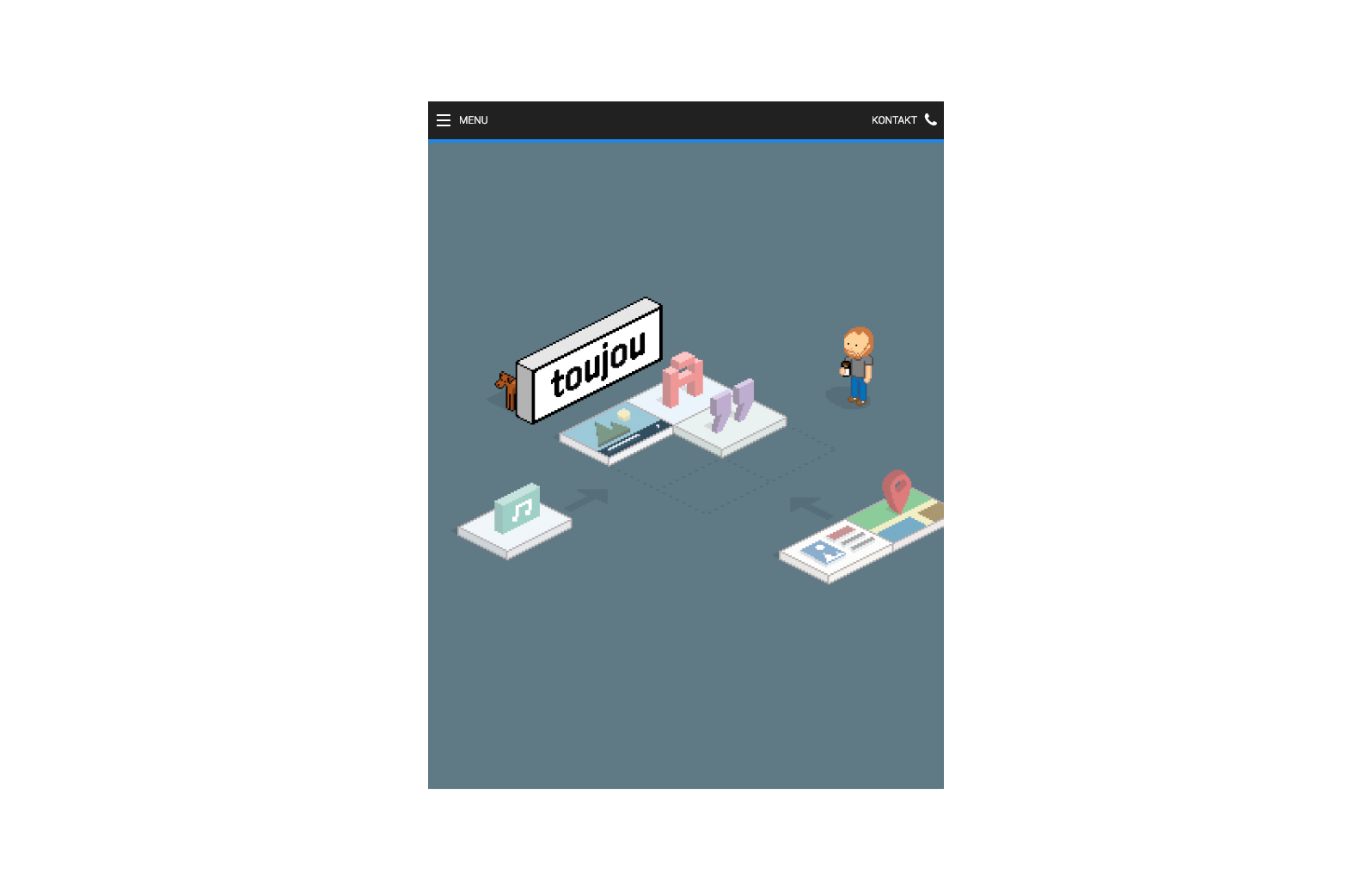
Ansicht für Endgeräte mit mehr als 600 px Breite

Tablet

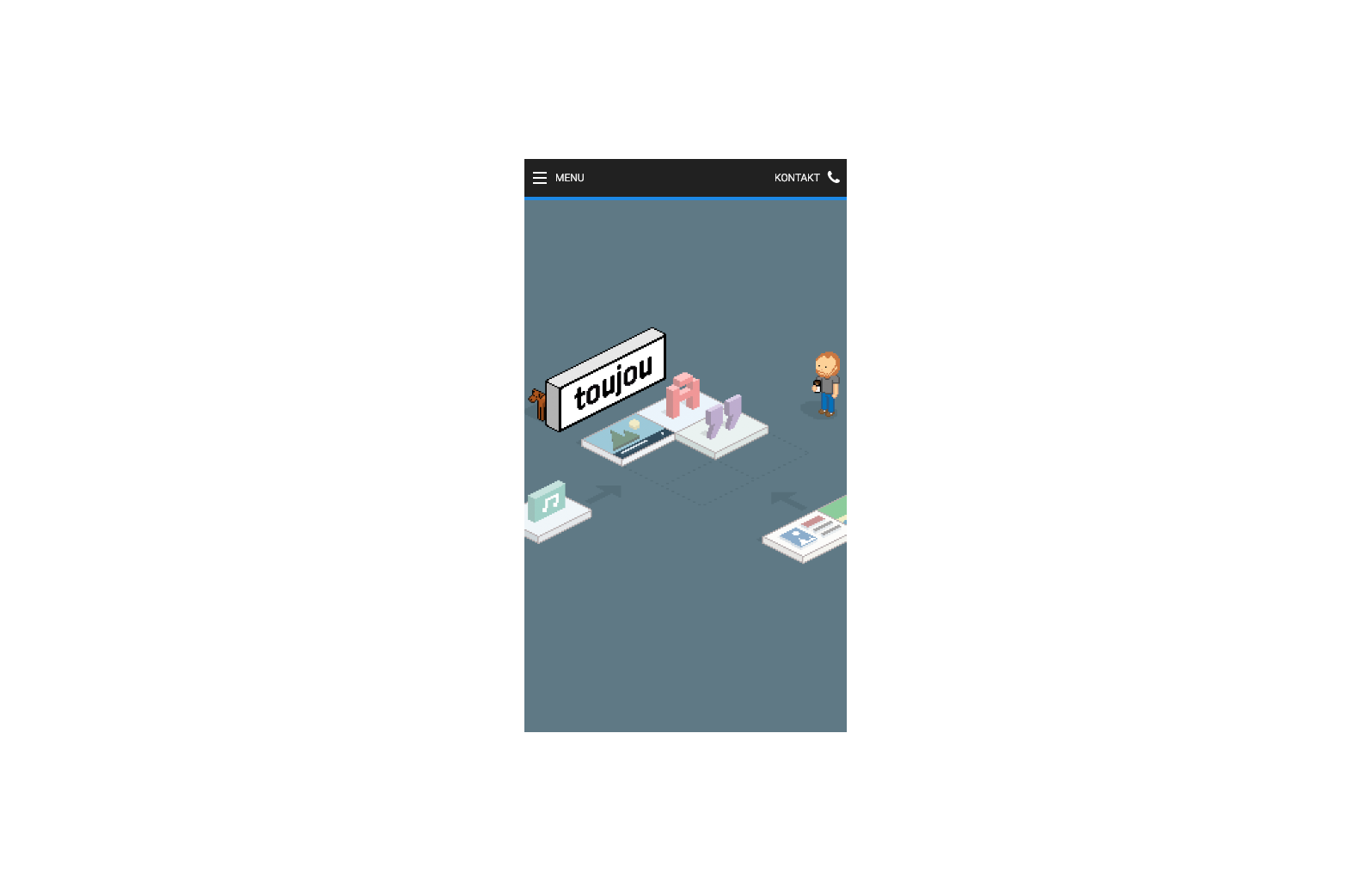
Ansicht exemplarisch mit 375 px Breite

Mobile

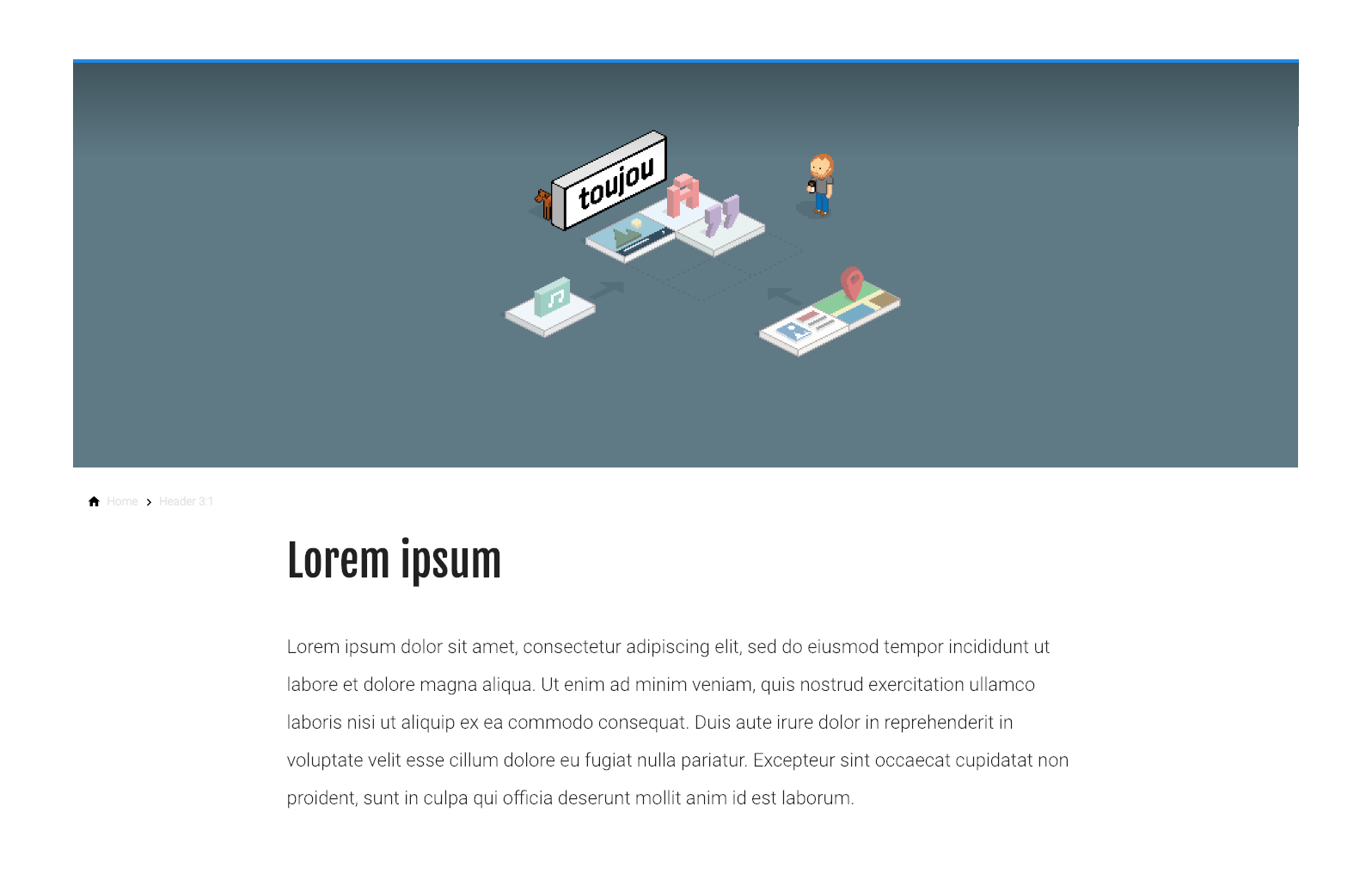
Header Media 3:1

Ansicht für Endgeräte mit mehr als 1440 px Breite

Widescreen

Ansicht für Endgeräte mit mehr als 1024 px Breite

Desktop

Ansicht für Endgeräte mit mehr als 600 px Breite

Tablet

Ansicht exemplarisch mit 375 px Breite

Mobile

Headercontent Slider

  • Eine stilisierte Szene zeigt einen Mann, der ein Smartphone hält, umgeben von Symbolen für Musik, Bilder und Karten.

    Headercontent Slider

    You can style and position the content according to your needs.

    Beautiful button

  • Eine Gruppe von Menschen steht in einem modernen Büro, umgeben von Pflanzen und Computern, während sie miteinander sprechen.

    Second Headline

    You can style and position the content according to your needs.

    Beautiful button

  • Eine Gruppe von Menschen sitzt in einem Raum, während ein Referent eine Präsentation an einer Wand zeigt.

    Third Headline

    You can style and position the content according to your needs.

    Beautiful button

of

Headercontent Slider 3:1

  • Eine stilisierte Szene zeigt einen Mann, der ein Smartphone hält, umgeben von Symbolen für Musik, Bilder und Karten.

    Headercontent Slider (3:1 ratio)

    You can style and position the content according to your needs.

    Beautiful button

  • Eine Gruppe von Menschen steht in einem modernen Büro, umgeben von Pflanzen und Computern, während sie miteinander sprechen.

    Second Headline

    You can style and position the content according to your needs.

    Beautiful button

  • Eine Gruppe von Menschen sitzt in einem Raum, während ein Referent eine Präsentation an einer Wand zeigt.

    Third Headline

    You can style and position the content according to your needs.

    Beautiful button

of

Contact