Previous/Next Page Navigation
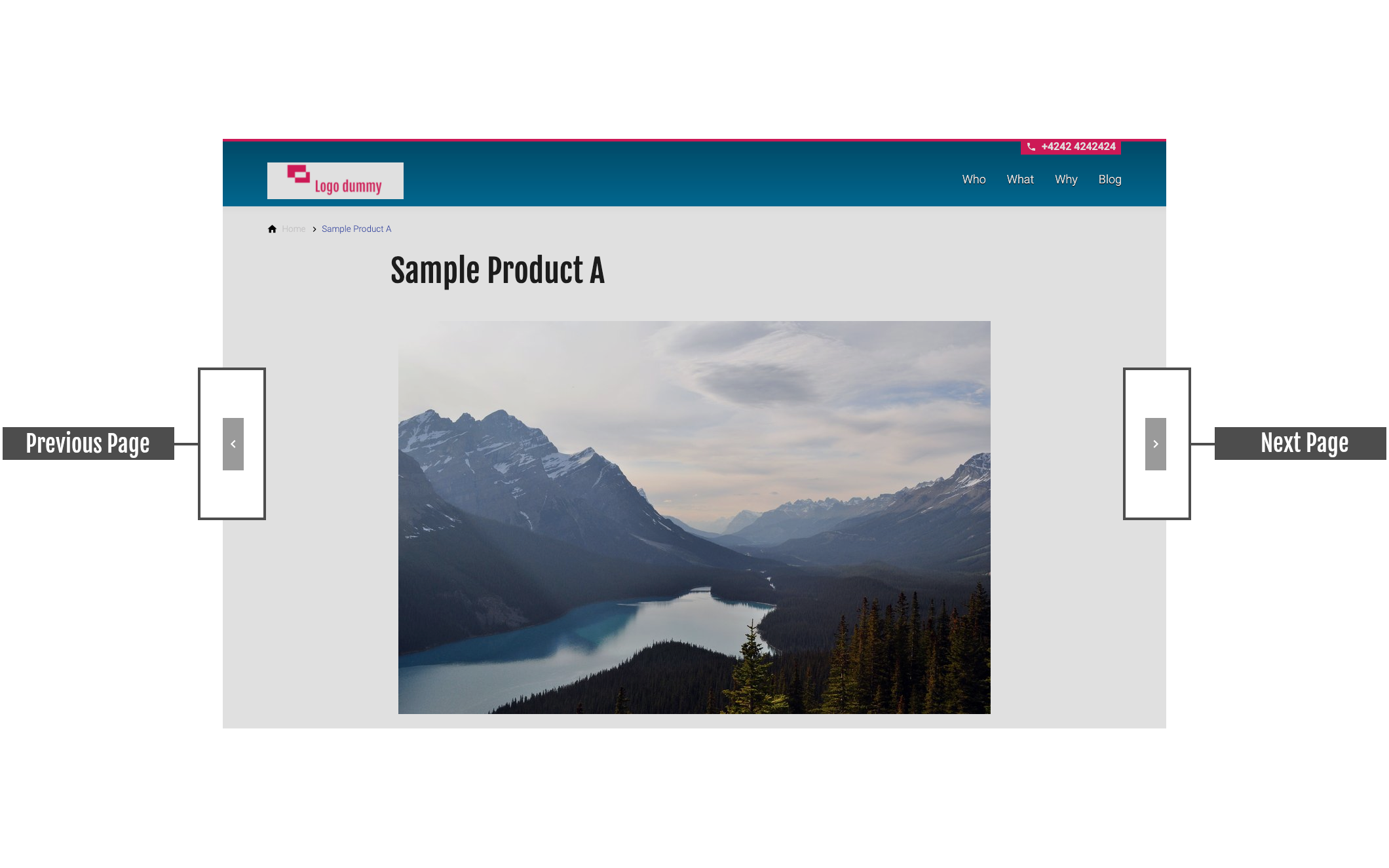
Connect subpages on the same level with navigation arrows to the previous and next page.
Item-ID: 07-028
Sample view Step by step guide Screen adaptation
Sample view
A live view of the element can be found in our campaign template for anniversaries and event pages.
Step by step guide
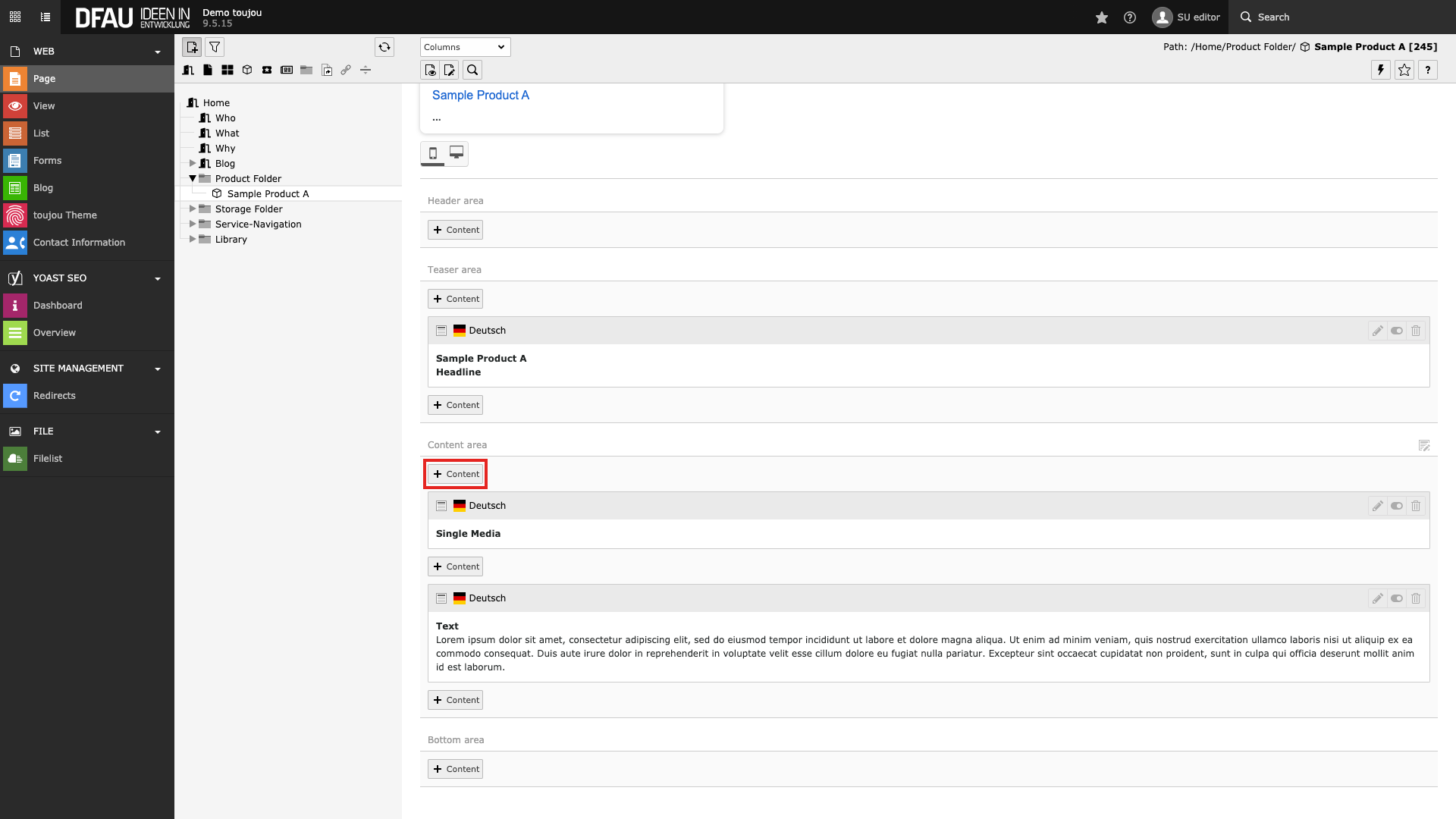
Create widget
- Click on the + Content button to create a widget.
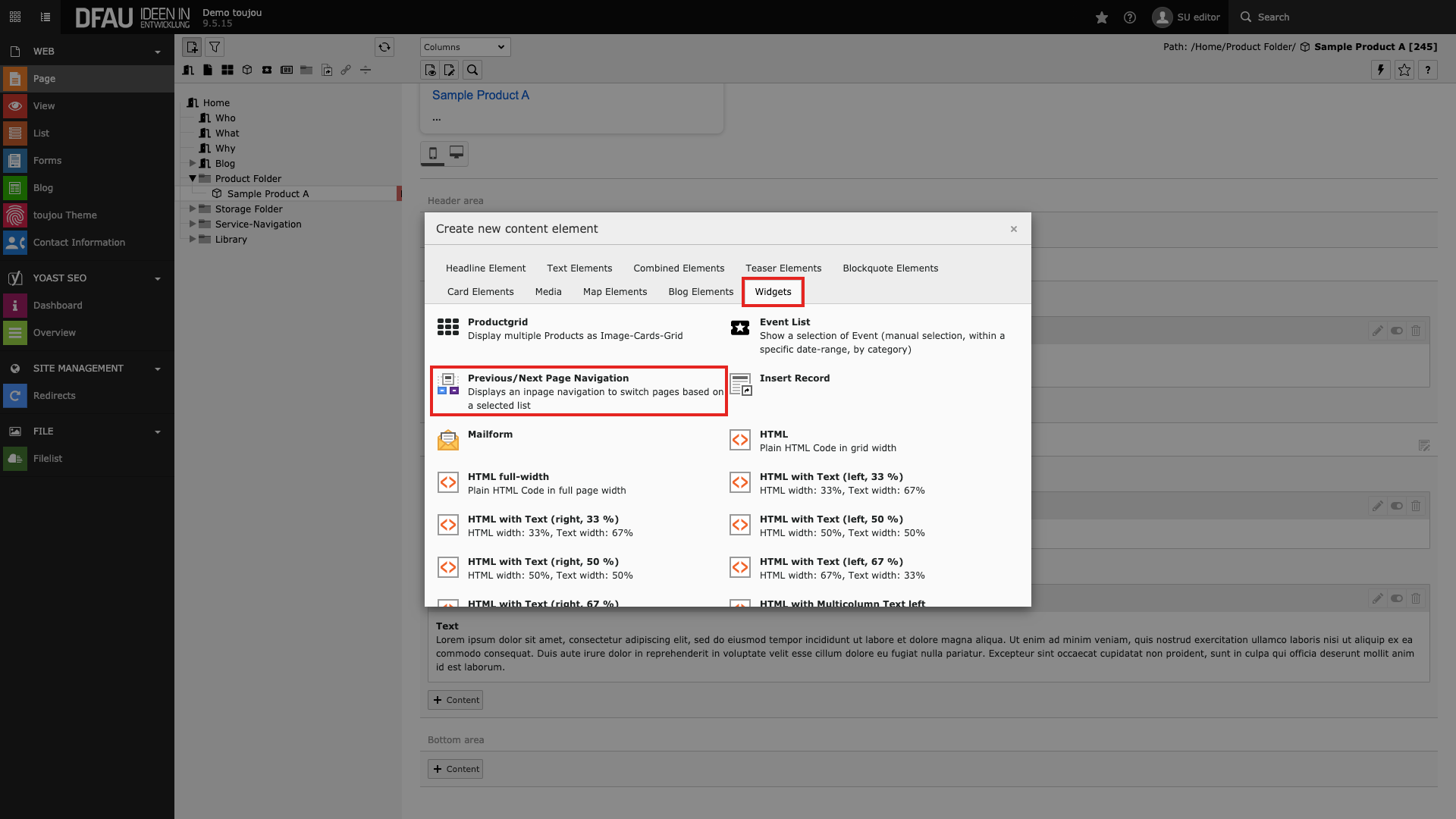
Select widget
- In the Widgets tab select the element Previous/Next Page Navigation.
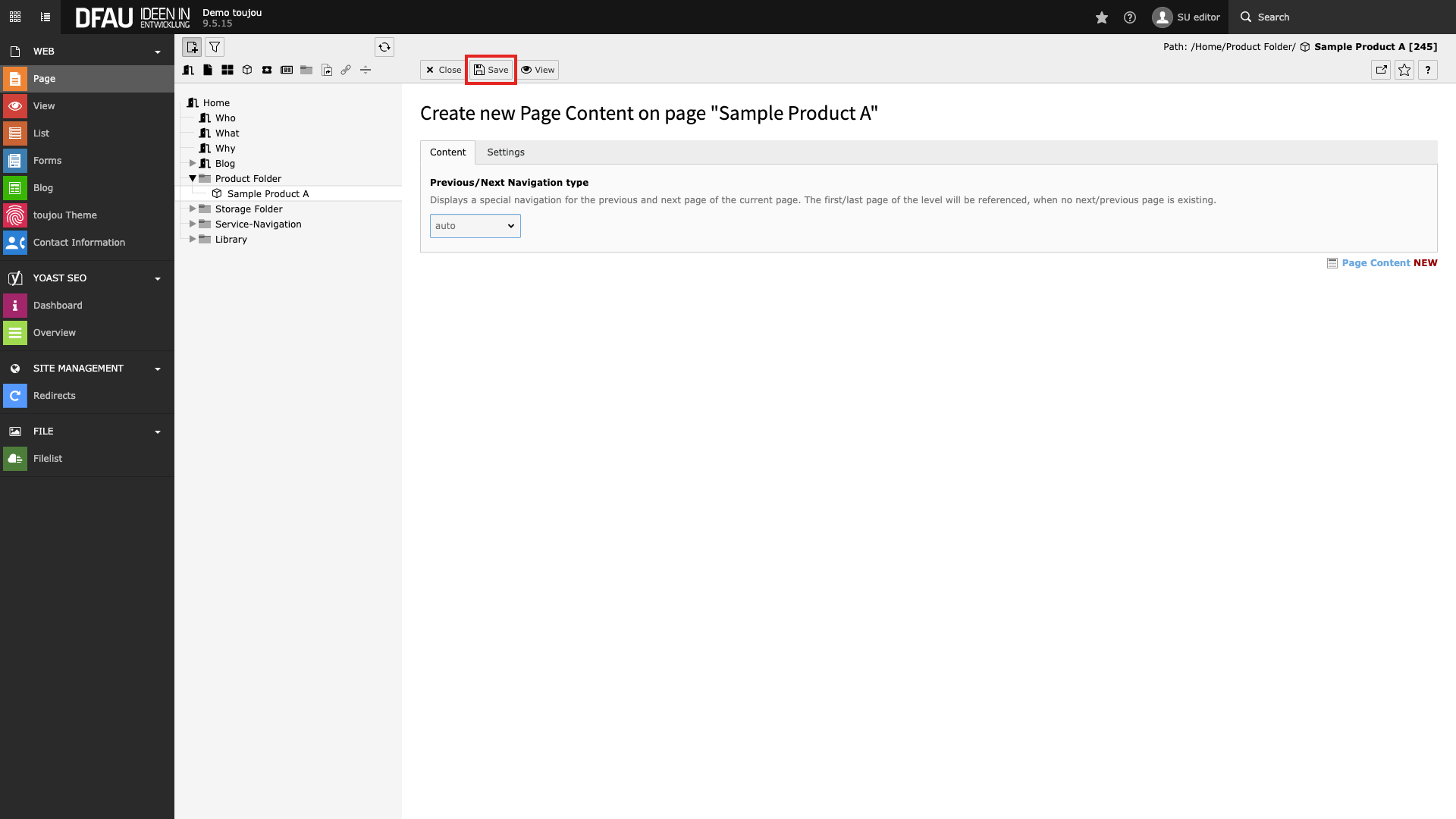
Save widget
- Click Save above the workspace.
Screen adaptation
Special features:
- The arrows are automatically linked to the previous or next page. The hierarchy is determined from the order of your subpages in the page tree from top to bottom.
- It does not matter where you place the content element on the respective page.
- To ensure that all pages on the same level rotate, the widget element has to be placed individually in each subpage.
Behaviour: The arrows are displayed on all devices at the mid point of the screen on the right and left sides. They will remain there as a fixed element even when visitors are scrolling.