Image header 3:1 ratio
Your maximum width header element with a fixed 3:1 aspect ratio and an optional headline.
Item-ID: 07-012
Sample views Step by step guide File sizes Screen adaptation
Sample view per device
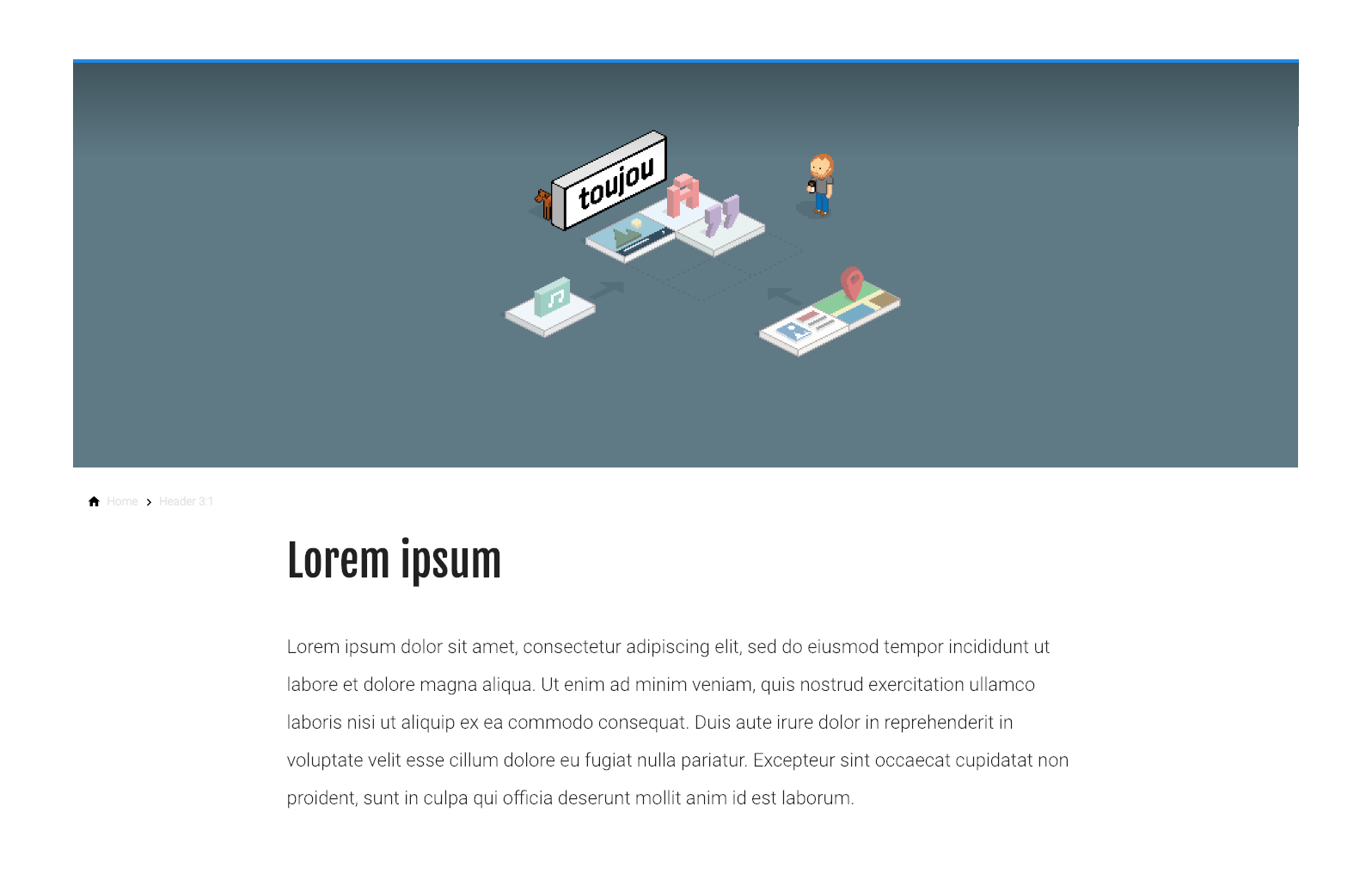
Widescreen
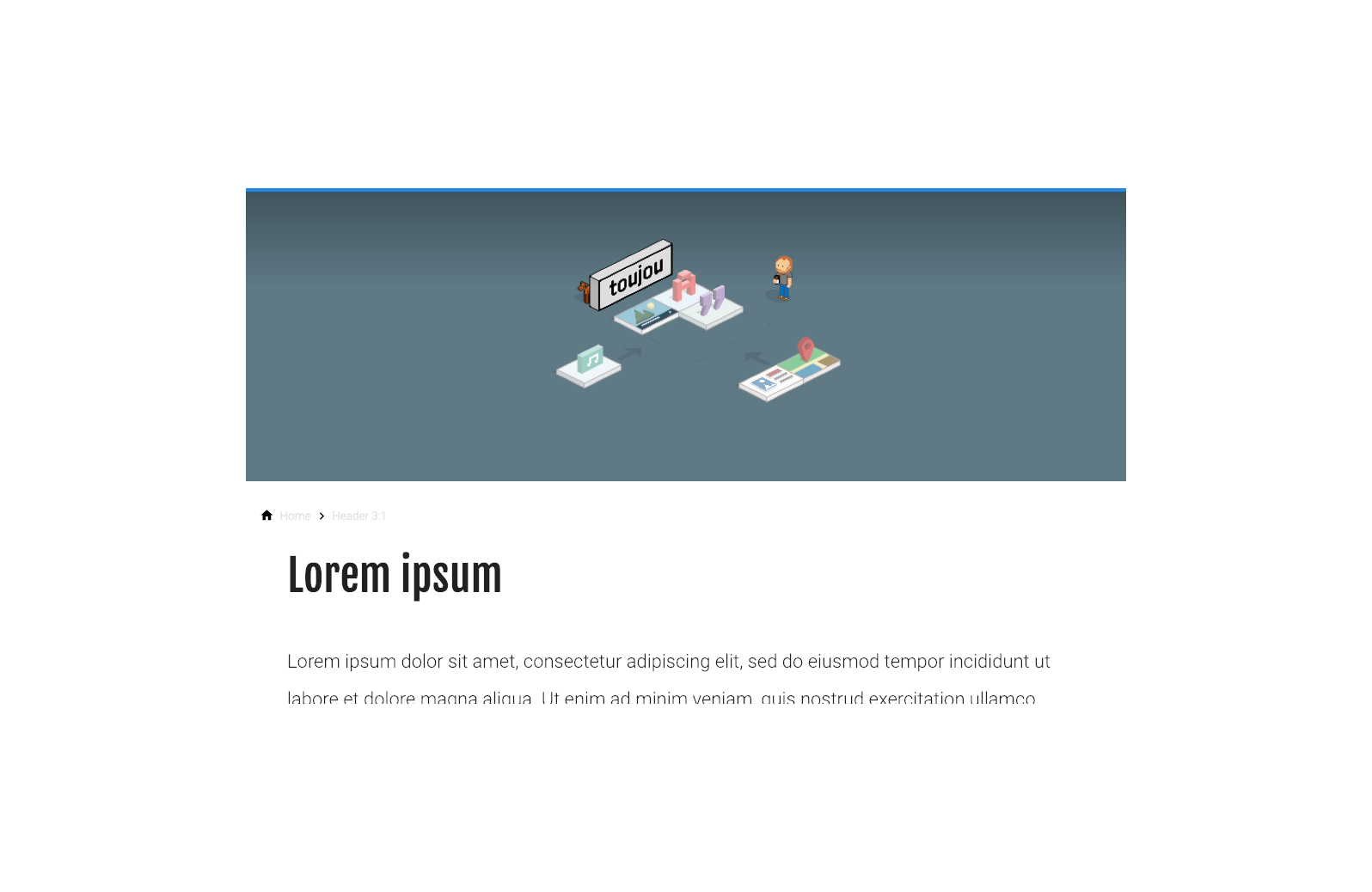
Desktop
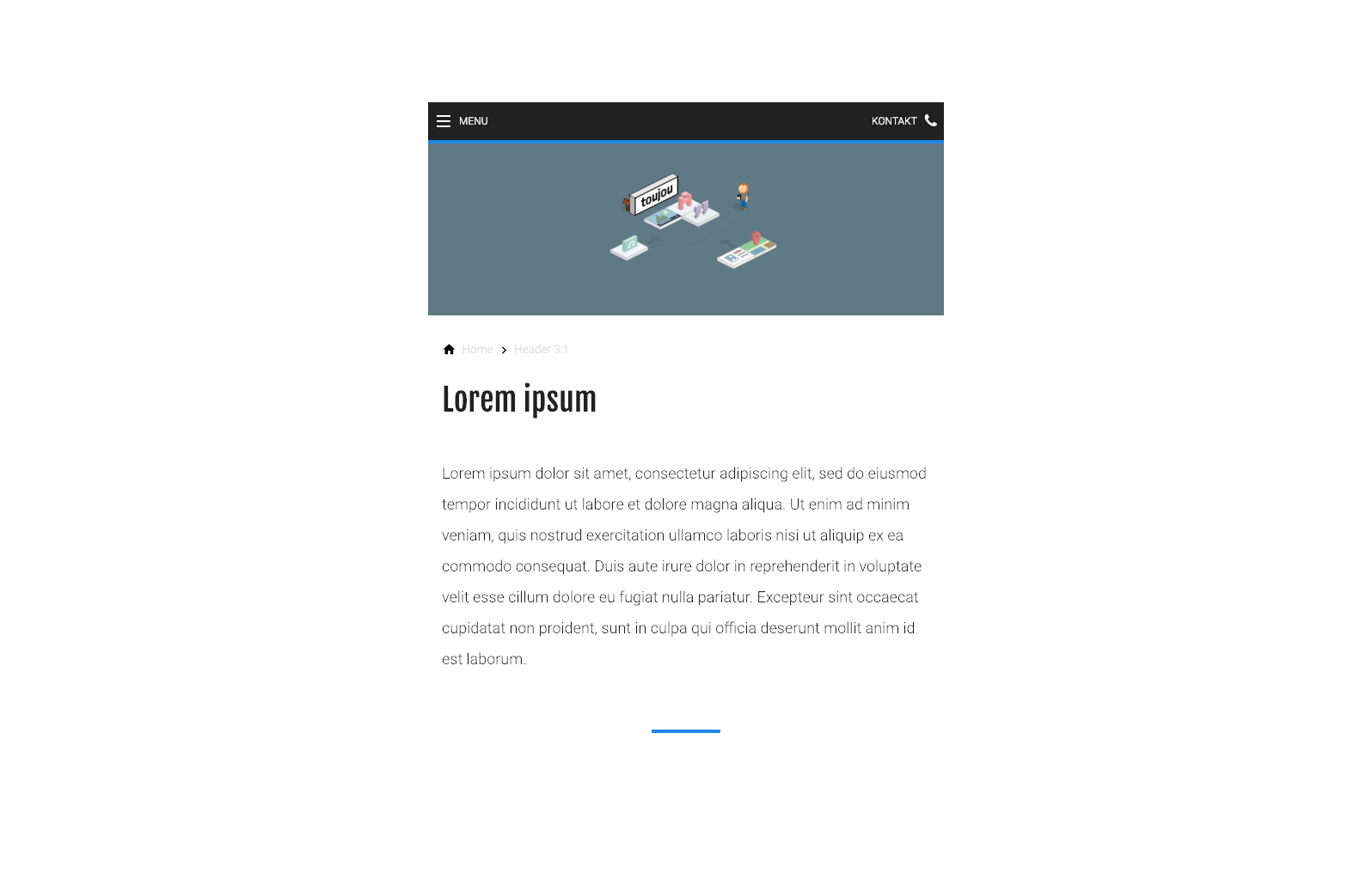
Tablet
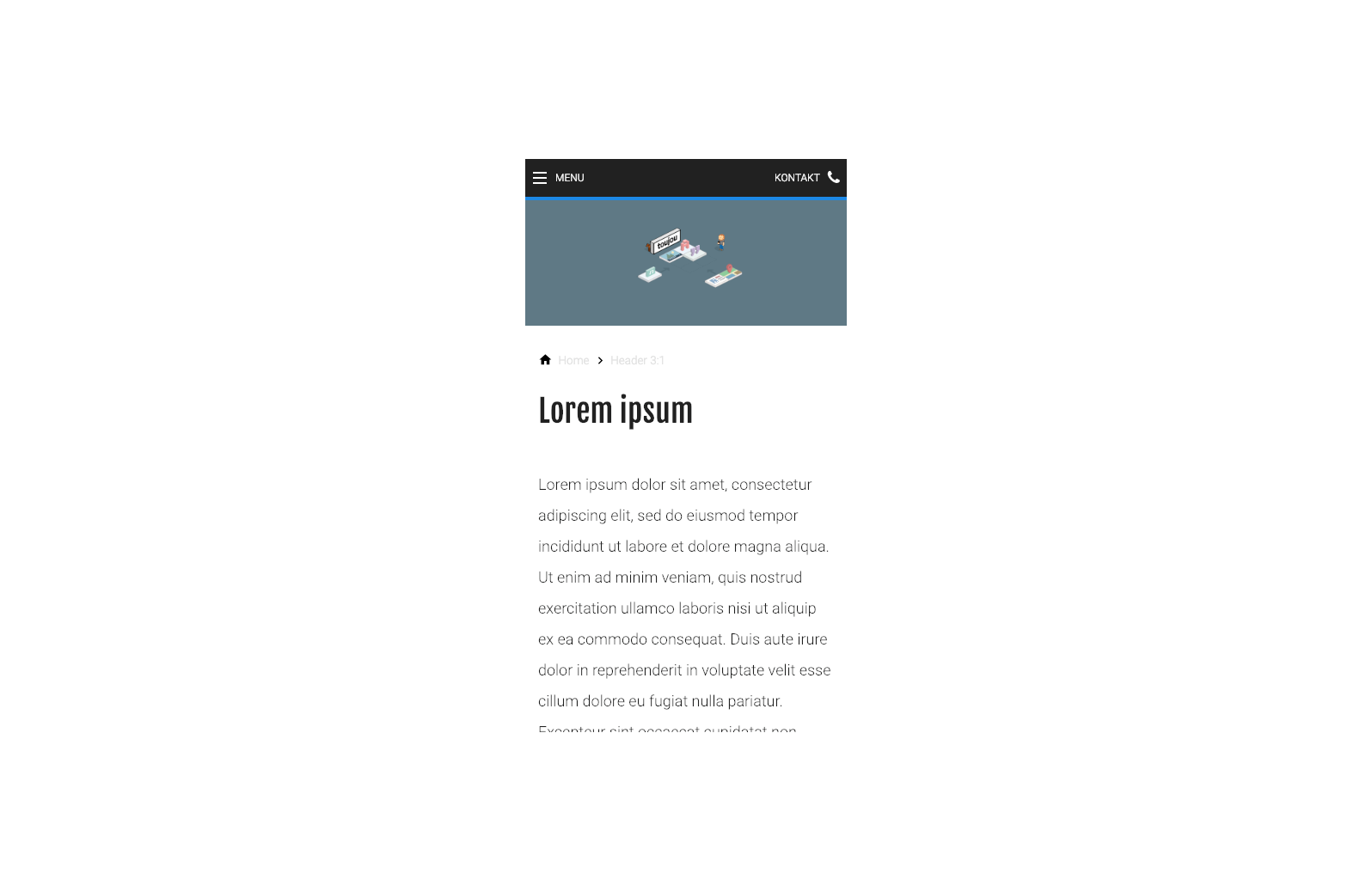
Mobile
Step by step guide
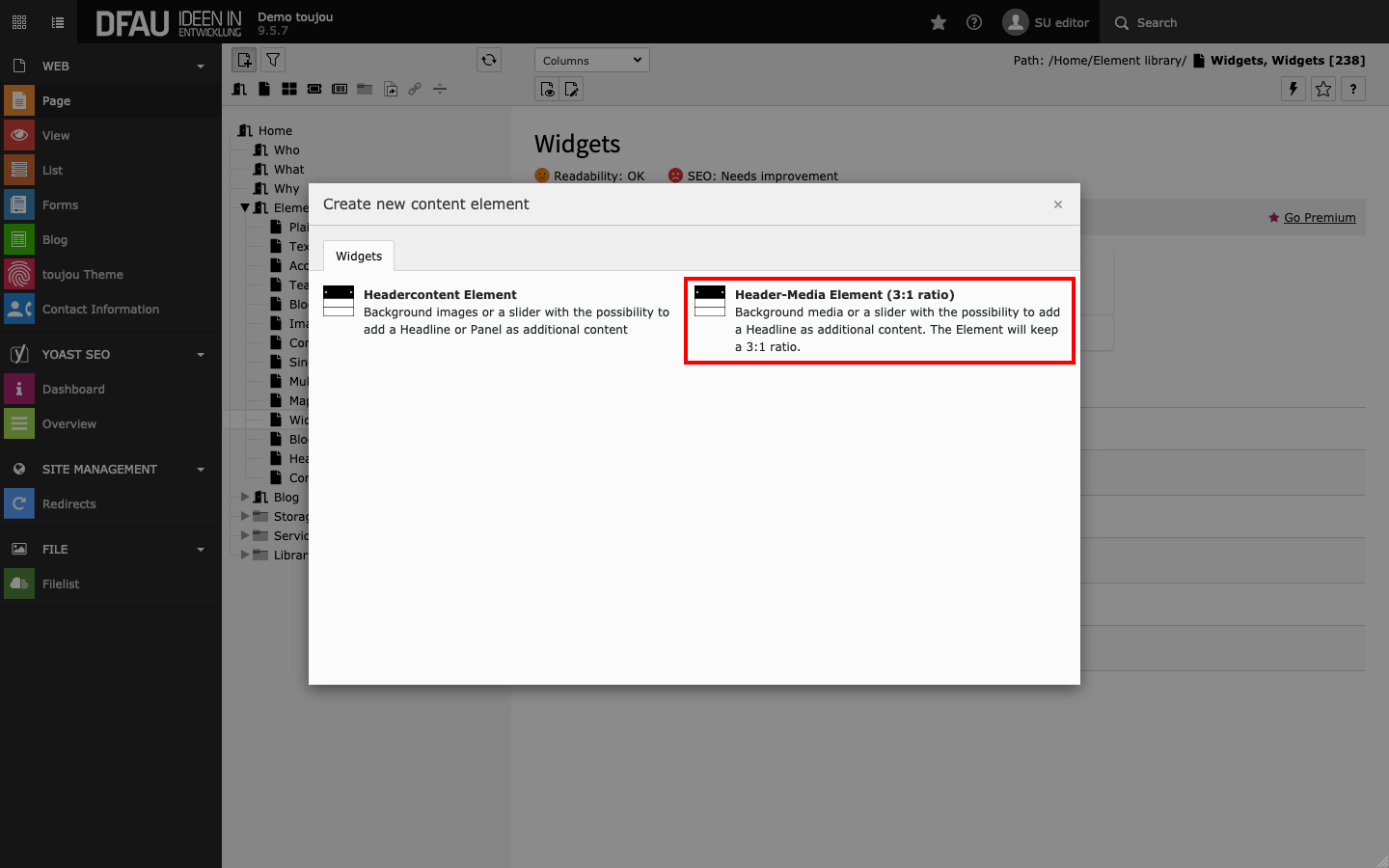
Create header element
- Header elements are only selectable as elements in the header area (Kopfbereich) of your page.
- Click on the + Content button and select the Header-Media Element (3:1-ratio) element under the Widgets tab.
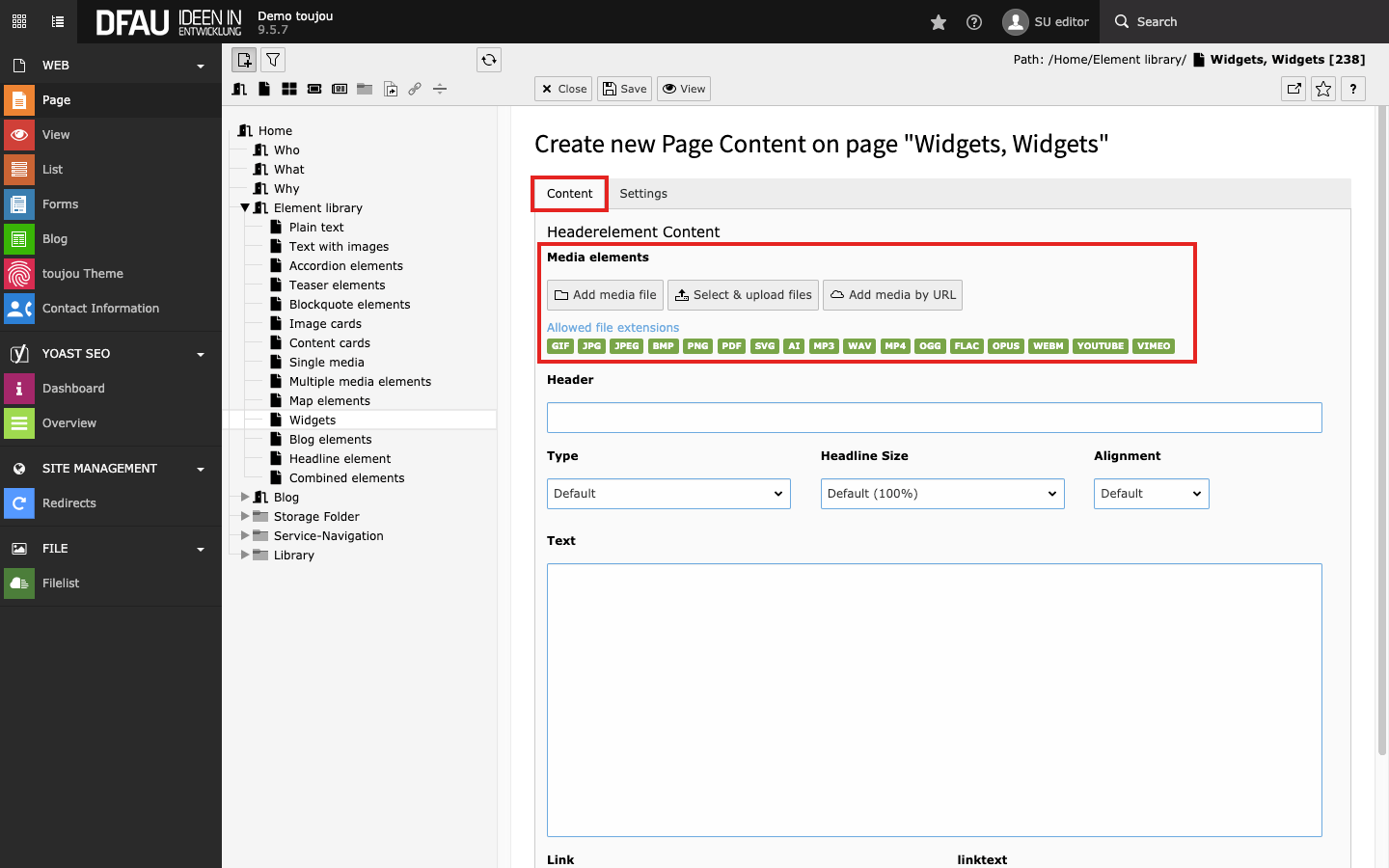
Insert medium
- To insert an image, click Add media file in the General tab.
- Select an image file from your file list or upload a file to the appropriate folder.
- To insert a video, click Add media by URL & paste the full URL of a YouTube or Vimeo video into the mask that appears in an overlapped window.
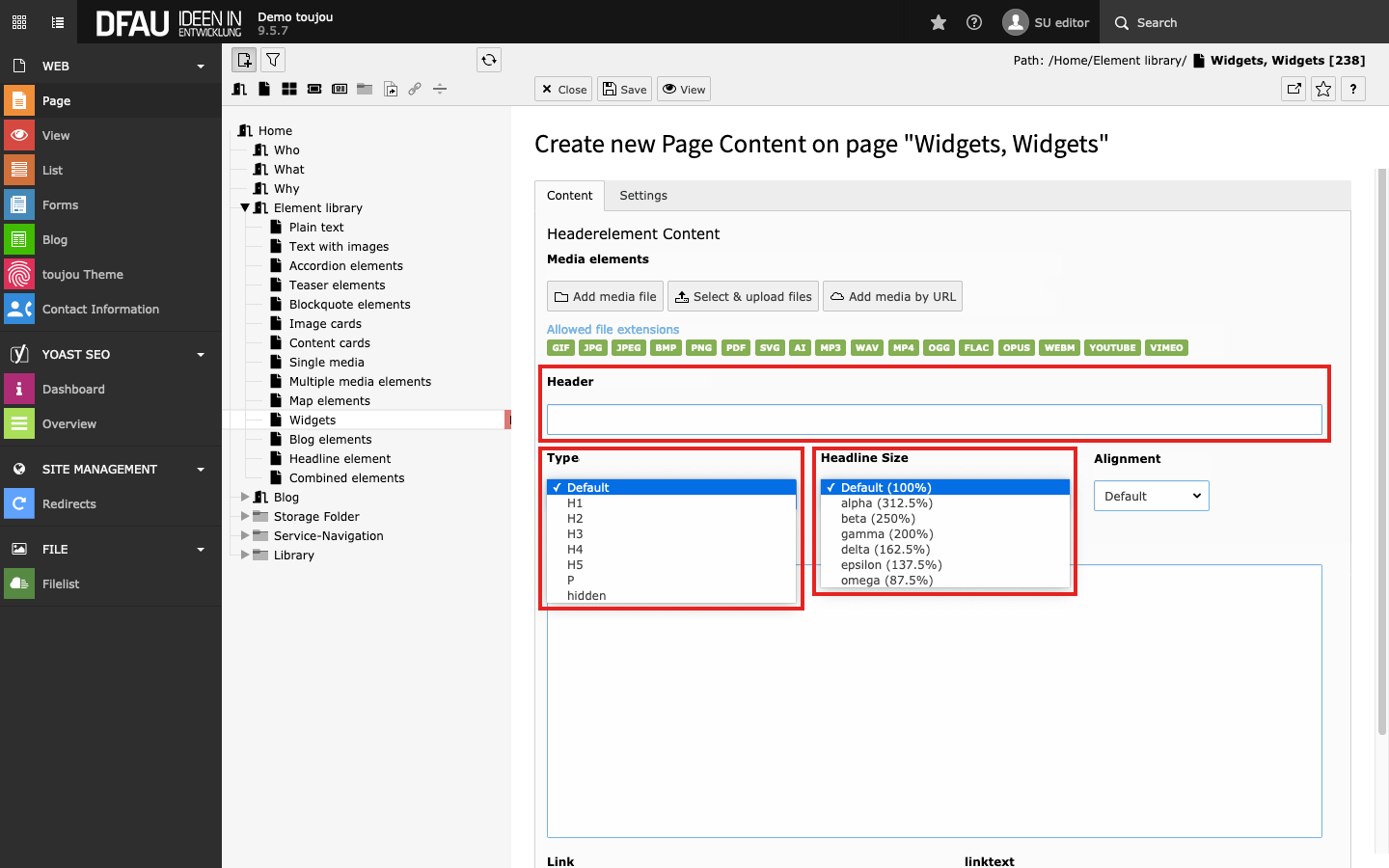
Insert headline (optional)
- You have the option to place a Headline.
- In the Content tab, an H2 tag is assigned by default. If necessary, change this setting via Type and Headline Size (more about Headlines ❯).
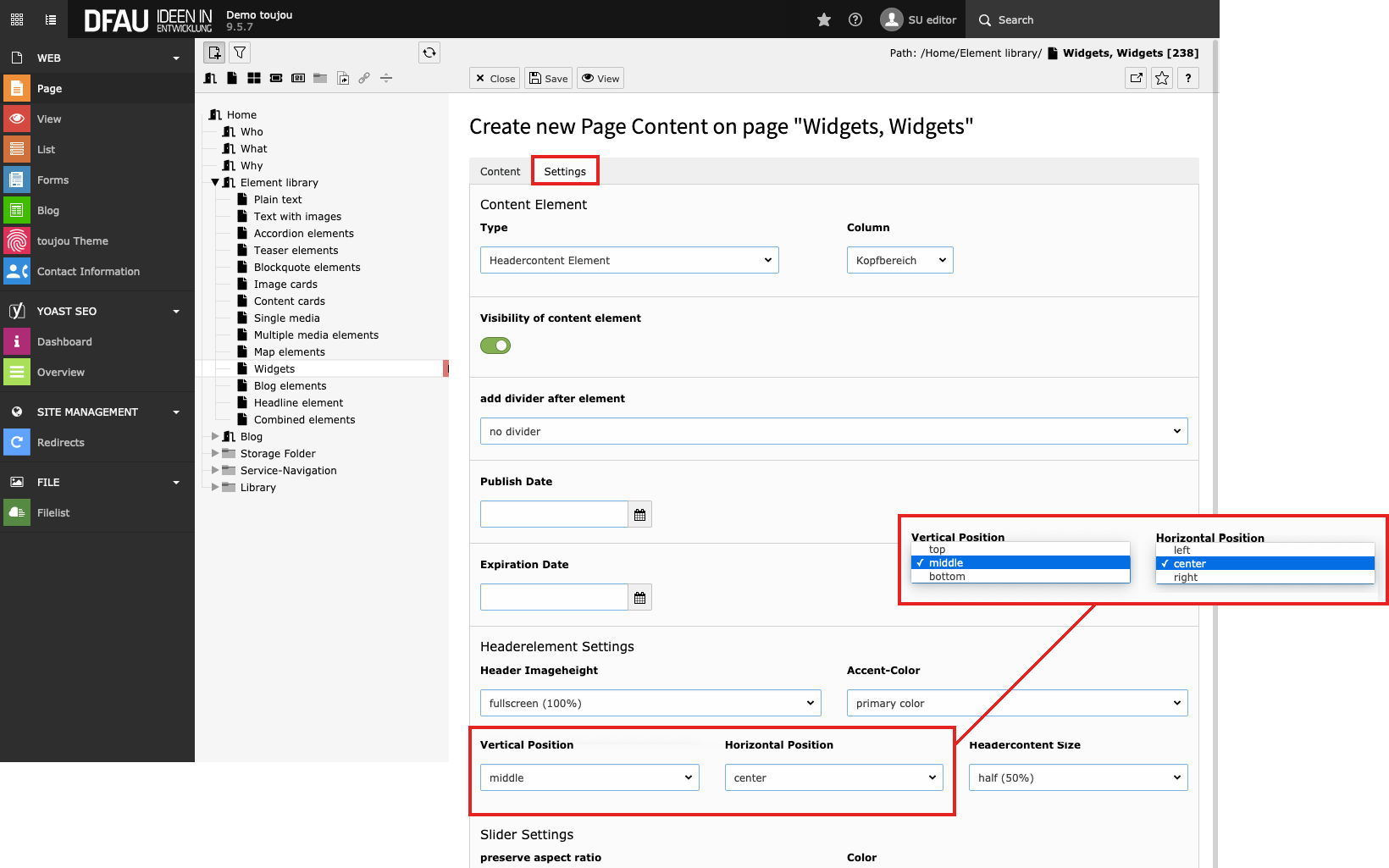
Headline position
- In the Settings tab, you can use the Vertical and Horizontal Position to determine the exact position of your headline.
File sizes
General notes for files:
- When using photographs, the file format JPEG is recommended. Graphics can also be PNG files.
- In toujou, media files must not exceed a size of 8 MB.
- Each file only needs to be uploaded once to your file list.
- Each file can be edited in the image editor for different devices and used multiple times on your website in various elements.
Advice for using header videos:
- Be sure to use a moderate sized file as this may affect the performance of your website.
- When videos are embedded, from platforms such as YouTube and Vimeo, they insert their own links and suggestions to the screen that may take away from the aesthetic of your header. To prevent this from happening you can instead use a video as a media content element.
Screen adaptation
This element is useful, if all image information should be transported on all devices and your header image/video should not be cut off at the sides. It always retains its aspect ratio regardless of the device.
Linked topics
toujou set-ups & TYPO3 tutorials related to this element description.